THE APP
Control Black Widow from your screen.
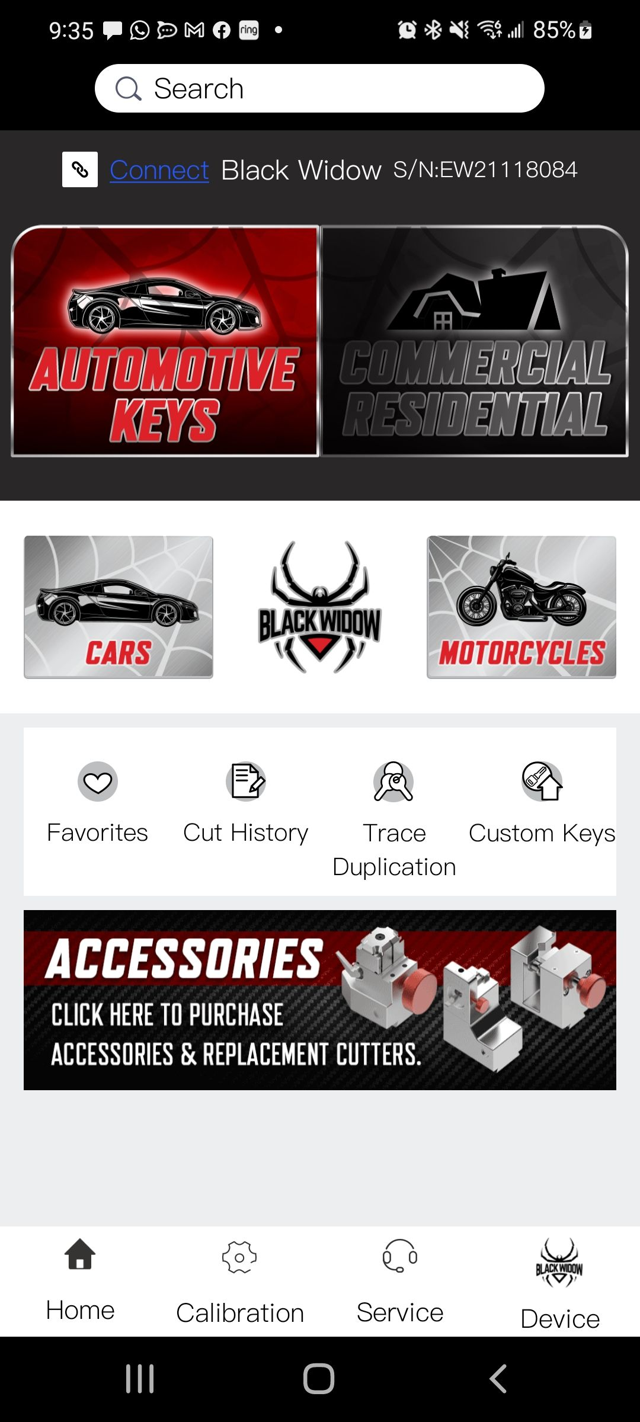
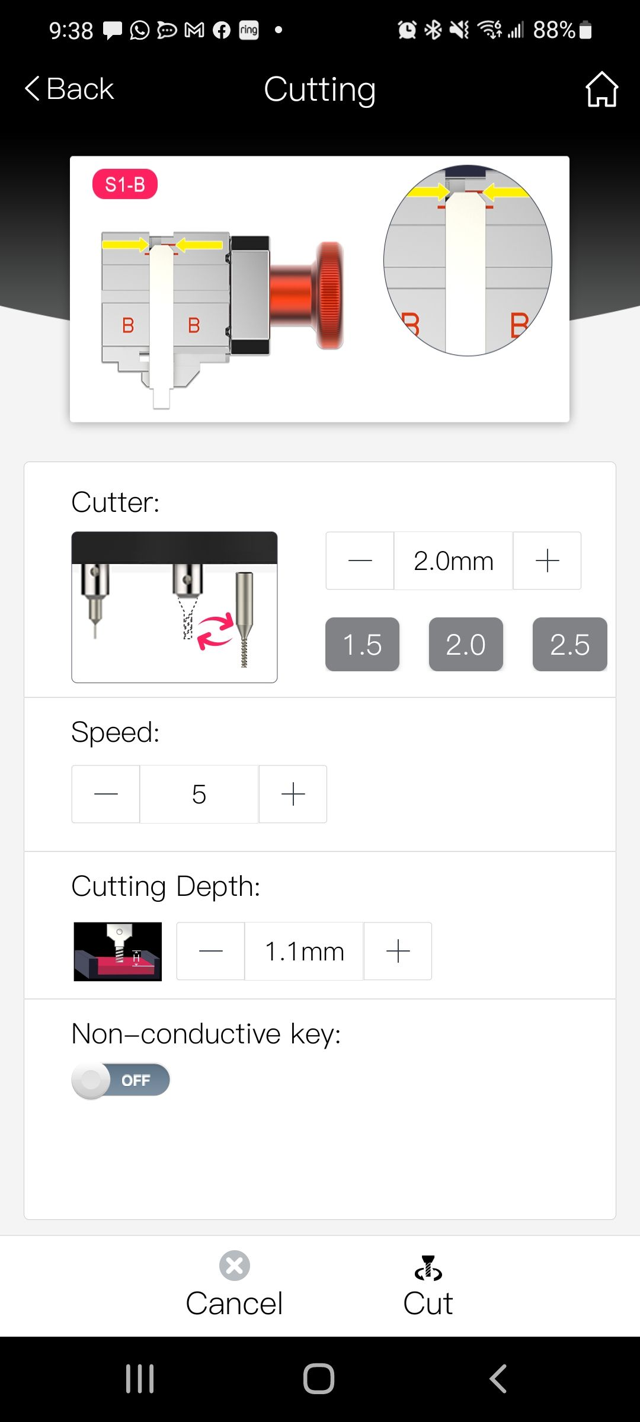
Use a compatible Android or iOS phone or tablet to find the key, choose the workflow, confirm the required setup and send the cut to Black Widow. Deluxe includes a dedicated Android tablet if you prefer a machine-only device.
WHAT EACH WORKFLOW DOES FOR YOU
Real jobs, plainly.
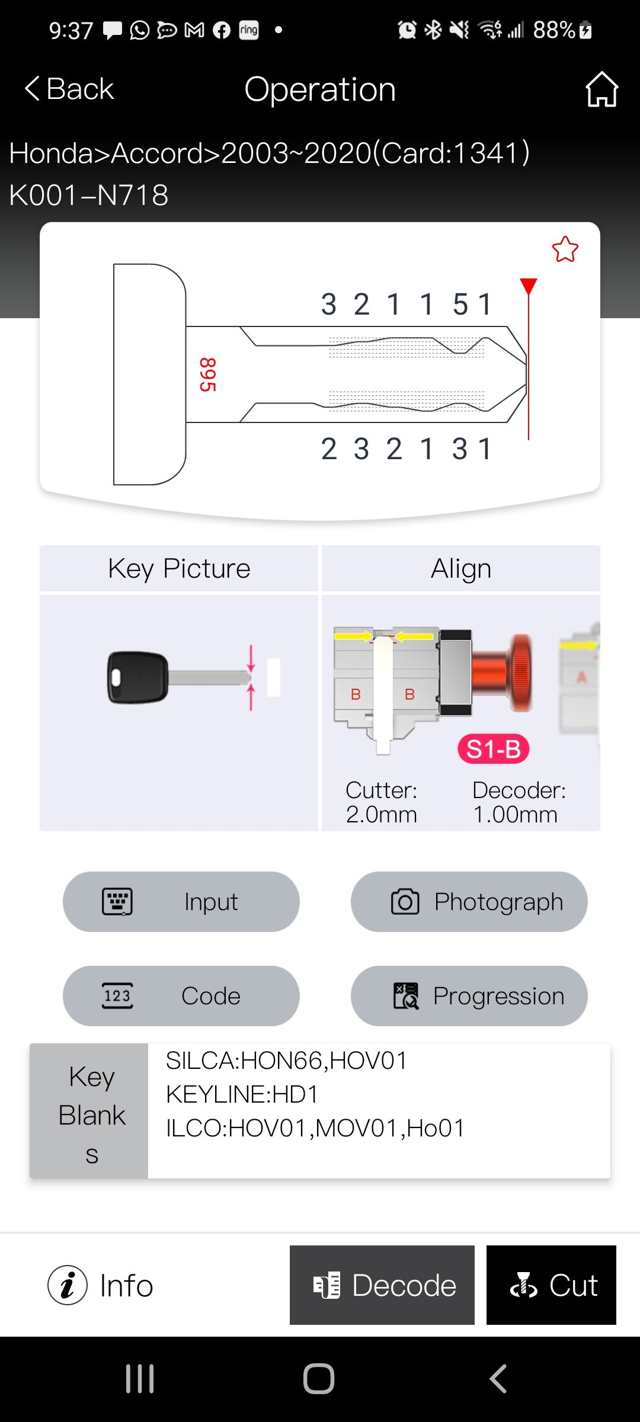
Cut by code
Have the key code? Use the database to convert a supported code into cuts. Internet required.
Decode
Have the existing key? Use the appropriate decoder and setup to read it.
Duplicate
Need another copy? Duplicate a supported existing key.
Trace duplication
Don't know the exact key name? For supported key types, tell Black Widow the general type and trace the existing key.
Progression
Know some of the cuts, but not all of them? Enter what you know and Progression can show possible combinations for the missing cuts. Internet required.
Decode by photo
Use a photo as a visual decoding aid — particularly useful when wear or nonconductive key material makes conventional probing less practical. Visual, locksmith-assisted decoding on your device.
Favorites & cut history
Save the key types you use most, and look back at previous cuts when a customer comes back.
Custom key profiles
Create and save a custom profile for supported non-dimple key types when needed.
Many core cutting functions can be used without an Internet connection. Key-code lookup and progression features require connectivity.
YOUR WORK HISTORY STAYS WITH YOU
Favorites, Cut History and app settings are stored locally on your device. Black Widow V2 does not use third-party advertising or analytics.
FREE SOFTWARE AND DATABASE UPDATES
Software and key-database updates are free — no subscription required for current updates. Both official store listings are actively maintained.
WHICH APP? CHECK YOUR SERIAL.
Two generations. One quick check.
Advanced / direct Android install: V2 APK download — the store links above are the standard path. Downloading or installing the app constitutes agreement to the Software License Terms; how the app handles information is covered by the App Privacy Policy.